
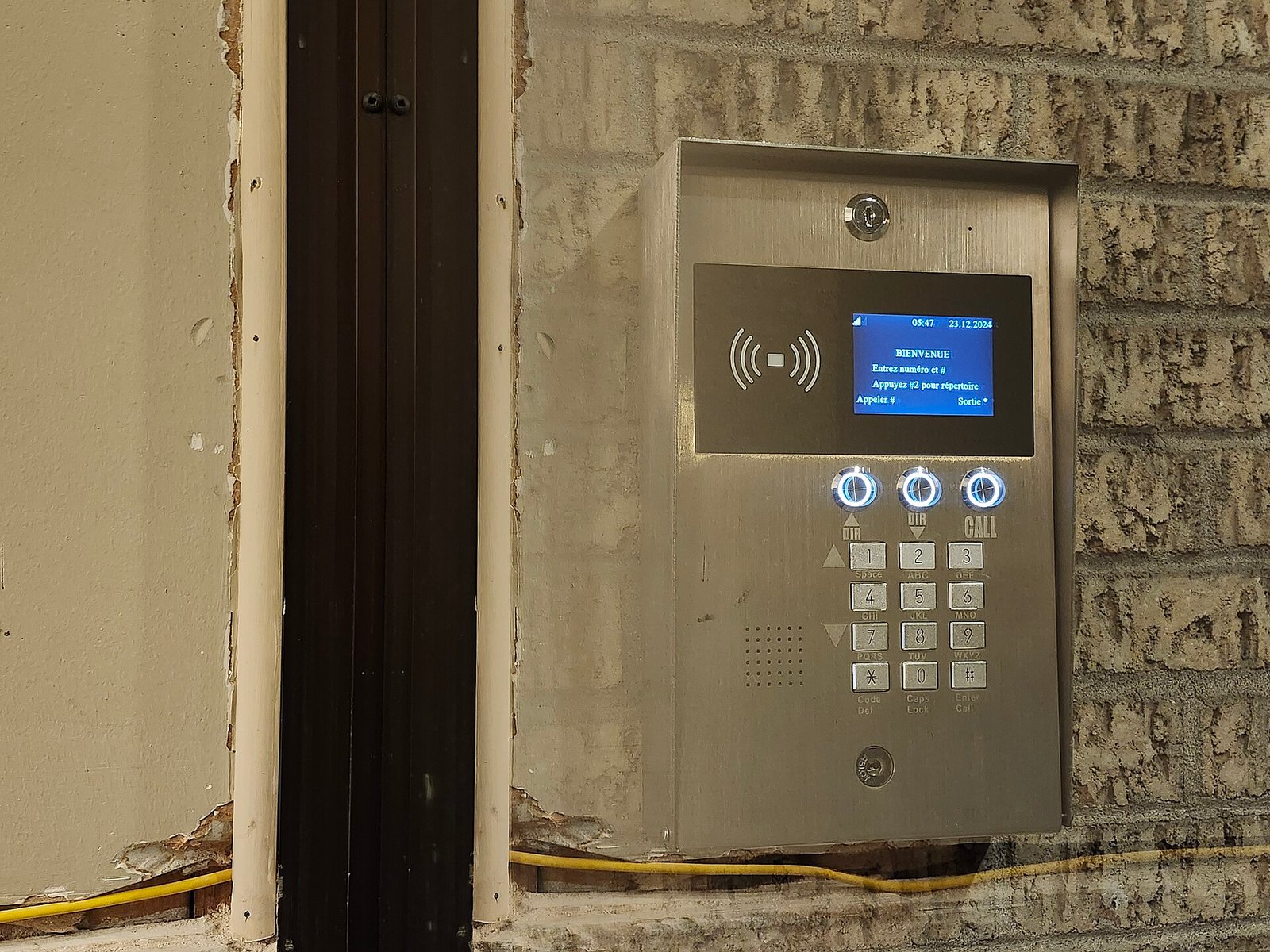
The thermostat that learns your schedule, the fitness band counting your steps, the delivery truck reporting its location every few seconds, the factory sensor that flags a failing motor before it breaks — these are all the Internet of Things at work. Behind the buzzword sits a genuinely transformative idea: everyday physical objects, fitted with sensors and network connections, can collect data, talk to each other, and act without a human pressing a button. Understanding how that works — and where it helps, fails, or exposes you to risk — is quickly becoming basic technology literacy for anyone building, buying, or simply living with connected devices.
📊 What Is the Internet of Things?
The Internet of Things (IoT) is the network of physical objects — “things” — embedded with sensors, software, and connectivity that lets them collect and exchange data over the internet or a local network. Instead of computers being the only devices online, IoT extends connectivity to lightbulbs, cars, thermometers, pill bottles, and industrial machines, turning the physical world into a source of continuous, actionable data.
It helps to think of IoT in three broad layers that every deployment shares:
- 📡 The device layer is the physical hardware — the sensors that measure temperature, motion, light, or pressure, and the actuators that do something in response, like opening a valve or dimming a lamp.
- 🌐 The connectivity layer is how data travels — Wi-Fi, Bluetooth, cellular, or low-power protocols like Zigbee and LoRaWAN — moving readings from the device to a gateway and onward to the cloud.
- 🧠 The platform and application layer is where raw data becomes value — cloud services that store, process, and analyze the readings, then surface them in dashboards or trigger automated actions.
Most people interact with IoT through that top layer — an app on their phone — while the sensing and networking happen invisibly underneath. The goal is not connectivity for its own sake; it is closing the loop between sensing something in the real world and doing something useful about it.
🎯 Why the Internet of Things Matters
The strongest argument for IoT is visibility. For most of history, the physical world was opaque — you found out a machine had failed, a crop had dried out, or a cold chain had broken only after the damage was done. IoT replaces that guesswork with real-time awareness of things you previously could not see.
It enables proactive action instead of reactive repair. A sensor that detects rising vibration in a motor lets you service it during planned downtime rather than after a costly breakdown. This shift from reactive to predictive maintenance is one of IoT’s biggest and most measurable payoffs.
It creates efficiency at scale. Smart meters, connected lighting, and automated climate control cut energy waste continuously without anyone remembering to flip a switch. Small per-device savings multiply across thousands of endpoints into serious impact.
It unlocks new data-driven business models. Connected products let companies sell outcomes rather than objects — think “hours of engine uptime” or “pay-per-wash” appliances — because they can now measure actual usage in the field.
It improves safety and quality of life. From medical wearables that alert a doctor to an irregular heartbeat to leak detectors that shut off water before a flood, IoT quietly prevents problems that would otherwise reach a person too late.
📈 The Building Blocks That Actually Matter
IoT can sound like a cloud of vague buzzwords, but every system is assembled from a handful of concrete components. Understanding them lets you evaluate any connected product or project on its merits rather than its marketing. The pieces below are grouped by their role in the data journey, each with a real-world example so the abstraction becomes tangible.
Sensing and Acting
- 🌡️ Sensors — the components that convert a physical quantity (heat, motion, humidity, gas) into a digital signal. Example: a soil-moisture sensor in a vineyard reads dampness every 15 minutes so irrigation runs only when the ground is genuinely dry.
- ⚙️ Actuators — devices that turn a digital decision into physical action, such as a motor, relay, or valve.
- 🔋 Power and microcontroller — the tiny onboard chip and energy source that let a device run for months or years on a coin cell or harvested power.
Connecting and Moving Data
- 📶 Connectivity protocol — the wireless standard that carries data, chosen for range, power, and bandwidth trade-offs. Example: a city parking sensor uses low-power LoRaWAN to send a few bytes a day and last years on one battery, where Wi-Fi would drain it in weeks.
- 🛜 Gateway — a local hub that aggregates nearby devices and bridges them to the wider internet.
- 📨 Messaging protocol — lightweight formats like MQTT that move small messages efficiently over unreliable networks. Example: MQTT lets a fleet of thousands of sensors publish updates through a single broker without overwhelming the connection.
Processing and Deciding
- ☁️ Cloud platform — the backend that ingests, stores, and analyzes data and hosts the rules that trigger actions. Example: a logistics platform ingests GPS pings from 500 trucks and flags any that deviate from their route in real time.
- 🖥️ Edge computing — processing done on or near the device so decisions happen instantly without a round trip to the cloud.
- 📊 Analytics and dashboards — the layer that turns millions of readings into charts, alerts, and insights a human can act on.
⭐ The single most important factor: security by design
An IoT device is a computer on your network, and every one you add is a potential door for attackers. The most successful deployments treat security as a foundation, not an afterthought — unique credentials per device, encrypted communication, and a reliable path for firmware updates. A cheap sensor with a hardcoded default password can compromise an entire home or factory, so build defense in from day one rather than bolting it on after a breach.
📋 IoT Components Cheat-Sheet (Quick Reference)
| Component | What it does | Typical range/power | Where it lives |
|---|---|---|---|
| 🌡️ Sensor | Reads a physical quantity | Very low power | On the device |
| ⚙️ Actuator | Performs a physical action | Varies by task | On the device |
| 📶 Wi-Fi | High-bandwidth local link | ~30–50 m; high power | Home, office |
| 🔵 Bluetooth LE | Short-range low-power link | ~10 m; very low power | Wearables, beacons |
| 📡 LoRaWAN | Long-range tiny messages | Several km; ultra-low power | Cities, farms |
| 📱 Cellular (LTE-M/NB-IoT) | Wide-area connectivity | Nationwide; medium power | Vehicles, remote assets |
| 🛜 Gateway | Bridges devices to internet | Local hub; mains power | On-site |
🛠️ Where IoT Is Used Today
IoT is not a single product but a pattern applied across nearly every industry. The table below covers the major domains where connected devices already deliver real value — the technology is similar across them, but the stakes, scale, and reliability demands differ sharply.
| Domain | What it enables | Maturity | Data sensitivity |
|---|---|---|---|
| 🏠 Smart home | Thermostats, lights, locks, cameras | High | Medium |
| 🏭 Industrial (IIoT) | Predictive maintenance, automation | High | High |
| ⌚ Wearables & health | Fitness, remote patient monitoring | High | Very high |
| 🚜 Agriculture | Soil, weather, and irrigation sensing | Medium | Low |
| 🏙️ Smart cities | Parking, lighting, waste, air quality | Medium | Medium |
| 🚚 Logistics & fleet | Tracking, cold chain, route optimization | High | Medium |
| ⚡ Energy & utilities | Smart meters, grid monitoring | High | High |
The most successful projects start narrow — one clear problem, a handful of devices — and expand only after proving value, rather than wiring up everything at once.
🔗 Understanding Connectivity Options
Connectivity is the decision that shapes every IoT project, because it dictates range, battery life, cost, and how much data you can move. There is no universally best choice — you match the protocol to the job, and getting this wrong is one of the most expensive mistakes to fix later.
| Protocol | Strengths | Best for | Watch out for |
|---|---|---|---|
| 📶 Wi-Fi | High bandwidth, ubiquitous | Cameras, home devices near power | Heavy battery drain |
| 🔵 Bluetooth LE | Cheap, low power, phone-friendly | Wearables, short-range beacons | Very limited range |
| 🕸️ Zigbee / Thread | Self-healing mesh, low power | Dense smart-home networks | Needs a hub |
| 📡 LoRaWAN | Kilometers of range, tiny power | Farms, cities, remote sensors | Low data rate only |
| 📱 Cellular NB-IoT/LTE-M | Wide coverage, no local gateway | Mobile and remote assets | Subscription and power cost |
A useful rule of thumb: the more data you need to send and the more power you have, the more Wi-Fi or cellular makes sense; the less data and the longer the battery must last, the more low-power options like LoRaWAN and Zigbee shine. Many real deployments mix several protocols in one system.
🧭 7-Step IoT Project Framework (Checklist)
A connected device only creates value when it is built on a clear plan rather than a pile of gadgets. Work through this checklist in order — you can tick each box as you move from idea to reliable deployment.
💡 Worked Example: A Small Business Applies This
Raj owns a small cold-storage warehouse that stores fruit and dairy for local grocers. Twice last year a freezer drifted warm overnight and he lost thousands of rupees in spoiled stock before anyone noticed in the morning. Here is how he applies the framework:
- 🎯 Problem: Prevent silent temperature drift that spoils inventory and erodes customer trust.
- 🌡️ What to sense: He installs battery-powered temperature and humidity sensors in each of his six cold rooms.
- 📡 Connectivity: Because the metal freezers block Wi-Fi and he needs multi-year battery life, he chooses low-power LoRaWAN sensors reporting to a single gateway.
- 🚨 Data and alerts: Readings flow to a cloud dashboard with a rule that sends an SMS the moment any room rises above a safe threshold.
- ✅ The result: Three weeks in, a compressor started failing at 2 a.m.; Raj got an alert, called a technician, and moved stock in time — saving an estimated ₹80,000 in product from a setup that cost a fraction of that.
Nothing here required a data science team. It required identifying one costly, invisible problem and closing the loop between sensing it and acting on it.
⚠️ Common IoT Mistakes to Avoid
Treating security as optional. Default passwords, unencrypted traffic, and devices that can never be updated are how botnets and breaches happen. Bake in protection before deployment, not after.
Ignoring power and connectivity limits. A brilliant sensor that dies in a month or cannot reach the network is worthless. Test range and battery life in the real environment, not on a lab bench.
Collecting data with no plan to use it. Streaming millions of readings into storage no one analyzes is pure cost. Decide what decisions the data will drive before you gather it.
Skipping the pilot. Rolling out thousands of devices before proving the concept turns a small, fixable mistake into an expensive, physical recall across every site.
Underestimating scale. A system that works for ten devices can collapse at ten thousand. Design your data pipeline and network for the volume you actually intend to reach.
Forgetting the humans and lifecycle. Devices need maintenance, batteries die, and firmware ages. Budget for the years of upkeep after launch, or your fleet slowly rots into unreliability.
📖 Glossary of Key Terms
- 📡 Sensor: A device that converts a physical property — heat, motion, light, pressure — into a digital signal a computer can read.
- ⚙️ Actuator: A component that turns a digital command into physical action, such as a motor, relay, or valve.
- 🛜 Gateway: A local hub that gathers data from nearby devices and forwards it to the internet or cloud.
- 🖥️ Edge computing: Processing data on or near the device itself so decisions happen instantly without a round trip to the cloud.
- 📨 MQTT: A lightweight messaging protocol designed to move small IoT messages efficiently over unreliable, low-bandwidth networks.
- 📡 LoRaWAN: A low-power, long-range wireless standard ideal for sending tiny amounts of data across kilometers on years of battery life.
- 🏭 IIoT (Industrial IoT): The application of IoT to factories, utilities, and heavy industry, typically for automation and predictive maintenance.
- 🔄 Firmware: The low-level software running on a device, which must be securely updatable to patch bugs and vulnerabilities.
❓ Frequently Asked Questions
What exactly counts as an IoT device?
Is IoT the same as smart home technology?
How secure are IoT devices, really?
What is the difference between IoT and edge computing?
Do all IoT devices need Wi-Fi?
How much does it cost to start an IoT project?
What is edge versus cloud processing, and when do I need each?
Can IoT work without a constant internet connection?
What happens to all the data IoT devices collect?
How long do IoT sensors last on a battery?
Is IoT only for large companies and factories?
🏁 Conclusion
The Internet of Things is not really about gadgets — it is about closing the gap between the physical world and the digital systems that can act on it. When a sensor can detect a problem and trigger a response faster than any human could, whole categories of waste, risk, and guesswork disappear. From a single connected freezer to a city-wide network of smart meters, the pattern is the same: sense reliably, connect efficiently, decide intelligently, and act automatically.
You do not need to be an engineer or a large enterprise to benefit. Start with one clear problem worth solving, choose the simplest sensors and connectivity that fit, and build security in from the first device. Prove the value on a small scale, then expand with confidence. As connected devices keep getting cheaper and more capable, the people and businesses who understand these fundamentals will be the ones who turn all that data into a genuine advantage.
👉 Next step: Pick one recurring, invisible problem in your home or business — a freezer, an energy bill, a machine that fails without warning — and sketch what a single sensor plus an alert would need to catch it. That one small loop is where every powerful IoT system begins. Explore more of our technology guides to keep building your knowledge.
